

Industry
Corporate Offices & TeamsBest Fit
BayziBook Cloud ERPScheduling for Corporate Offices & Teams
A busy office needs one dependable view of meetings, people, and rooms. BayziBook Scheduling helps teams coordinate daily appointments without relying on separate diaries and repeated follow-up messages.
How Your Team Uses BayziBook
An organizer chooses a meeting type, time, location, and participants, then books a room when needed. Colleagues respond to invitations, while the team reviews personal and shared calendars. Recurring department meetings can follow a consistent schedule.
Keep appointments, people, and shared resources visible in one scheduling workflow.
Key Workflows Covered
- Board reviews, executive appointments, visitor meetings, and department sessions.
- Day, week, month, and agenda views for personal and team schedules.
- Meeting-room bookings and overlap checks for people and resources.
- Accepted, tentative, and declined invitation responses with notes.
- Recurring meetings, rescheduling, cancellations, and internal reminders.
Business Advantages
| Business Need | BayziBook Advantage |
|---|---|
| Shared rooms | Review room bookings before confirming a meeting. |
| Team coordination | Keep participant responses and schedule updates together. |
| Regular meetings | Use recurrence instead of entering every meeting separately. |
Where BayziBook Fits
Best suited to offices coordinating staff meetings, executive time, visitors, and shared spaces. Scheduling supports appointments; it is not an employee attendance or payroll system.
Related Scheduling Industries
Consultants & Professional Services · Training Centres & Classes
Request a Corporate Offices & Teams Demo
Tell us about your business workflow and our team will show the most relevant BayziBook modules for your industry.Recommended ERP Modules
Explore the ERP modules that support this workflow, with separate tools for business transactions, reporting, and secure access.

Scheduling & Appointments
Coordinate appointments, calendars, participants, recurring schedules, resource bookings, and internal reminders.
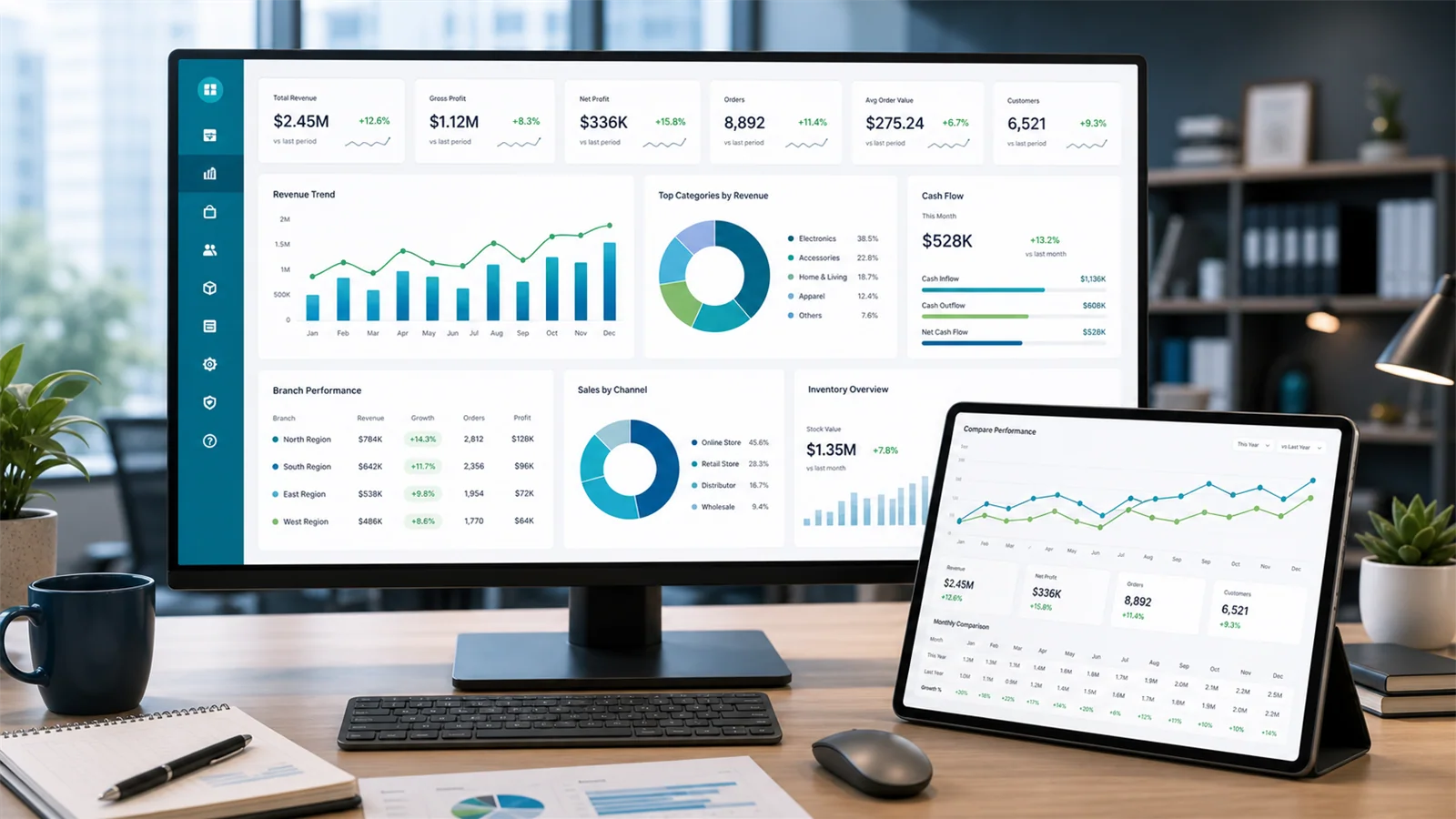
Reporting & Analytics
Review ERP business performance alongside Scheduling summaries and operational calendars.
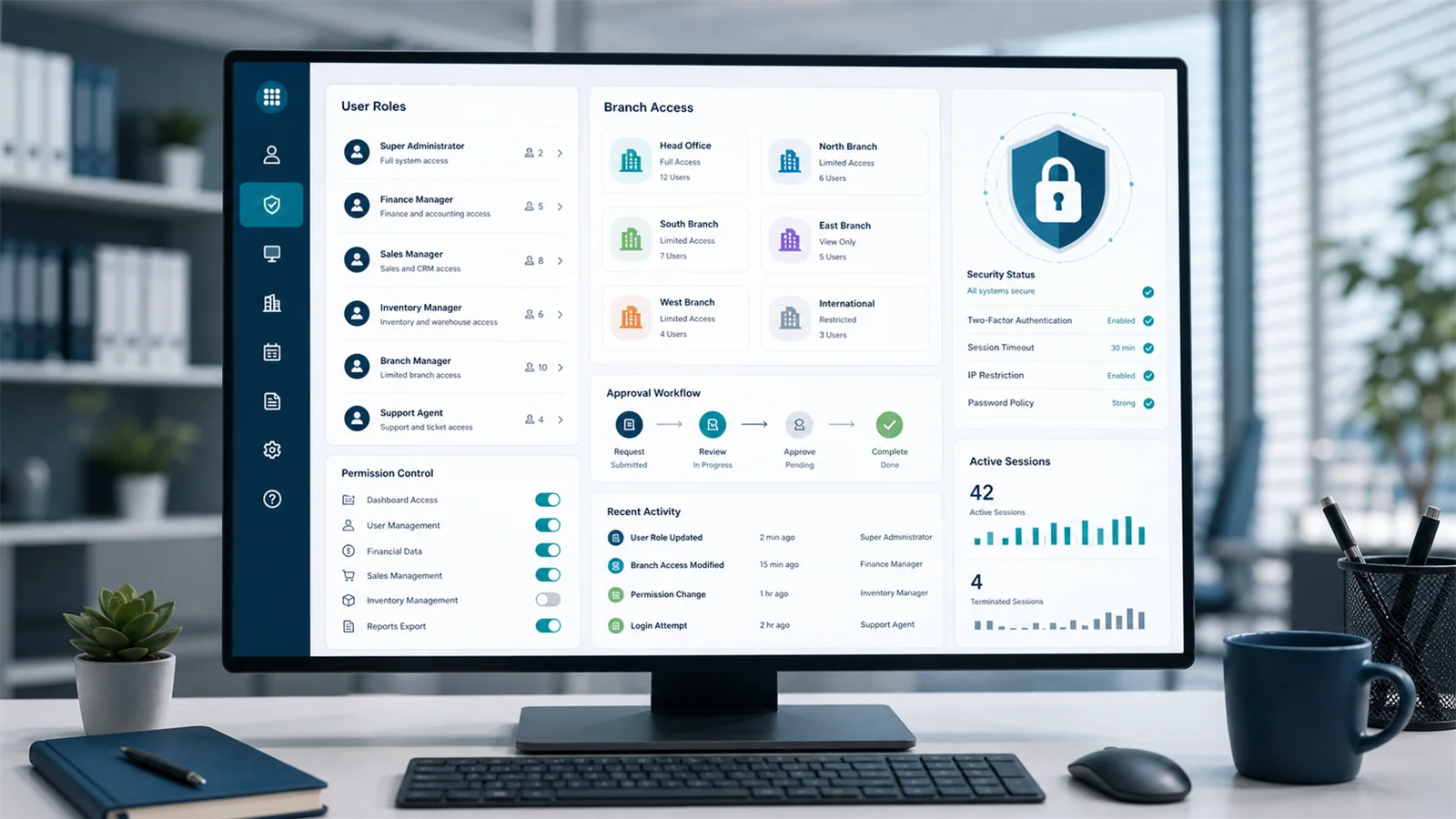
Security & Access Control
Control access to business records and actions through users, roles, and permissions.
Need a Demo?
Contact BayziBook