

Industry
Clinics & Doctor AppointmentsBest Fit
BayziBook Cloud ERPAppointment Scheduling for Clinics & Doctors
Reception teams need a clear view of doctor time and patient appointment slots. BayziBook Scheduling supports the booking side of a clinic with organized calendars, contact details, and resource availability.
How Your Team Uses BayziBook
A receptionist creates a doctor appointment, records the patient as an external participant, selects a doctor resource, and enters the consultation time. Availability checks help identify overlaps; staff can reschedule, cancel, or mark the appointment completed.
Keep appointments, people, and shared resources visible in one scheduling workflow.
Key Workflows Covered
- Staff-entered doctor appointment bookings.
- Doctor resources and availability or blocked-time rules.
- Patient contact details stored with the appointment.
- Calendar views, appointment status, and cancellation reasons.
- Internal reminders and notifications for authorized clinic users.
Business Advantages
| Business Need | BayziBook Advantage |
|---|---|
| Consultation slots | Keep doctor bookings visible in one calendar. |
| Reception changes | Reschedule appointments and retain cancellation reasons. |
| Daily coordination | Review upcoming appointments and completed or cancelled bookings. |
Where BayziBook Fits
Suitable for clinics needing generic appointment and doctor-resource scheduling. This is not a hospital or clinical records system: prescriptions, medical charts, insurance claims, and public patient self-booking are outside the current Scheduling module.
Related Scheduling Industries
Consultants & Professional Services · Salons & Wellness Appointments
Request a Clinics & Doctor Appointments Demo
Tell us about your business workflow and our team will show the most relevant BayziBook modules for your industry.Recommended ERP Modules
Explore the ERP modules that support this workflow, with separate tools for business transactions, reporting, and secure access.

Scheduling & Appointments
Coordinate appointments, calendars, participants, recurring schedules, resource bookings, and internal reminders.
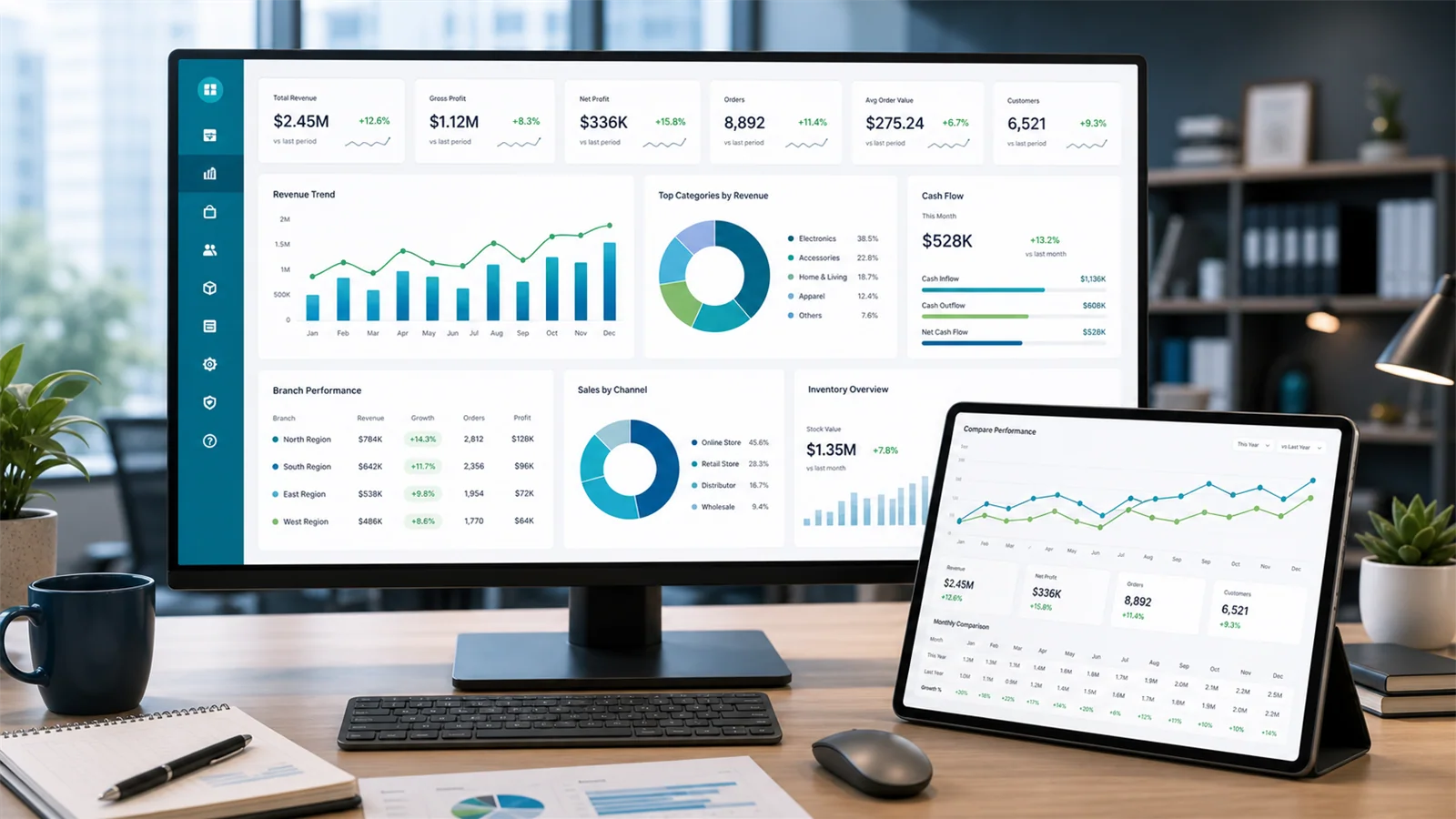
Reporting & Analytics
Review ERP business performance alongside Scheduling summaries and operational calendars.
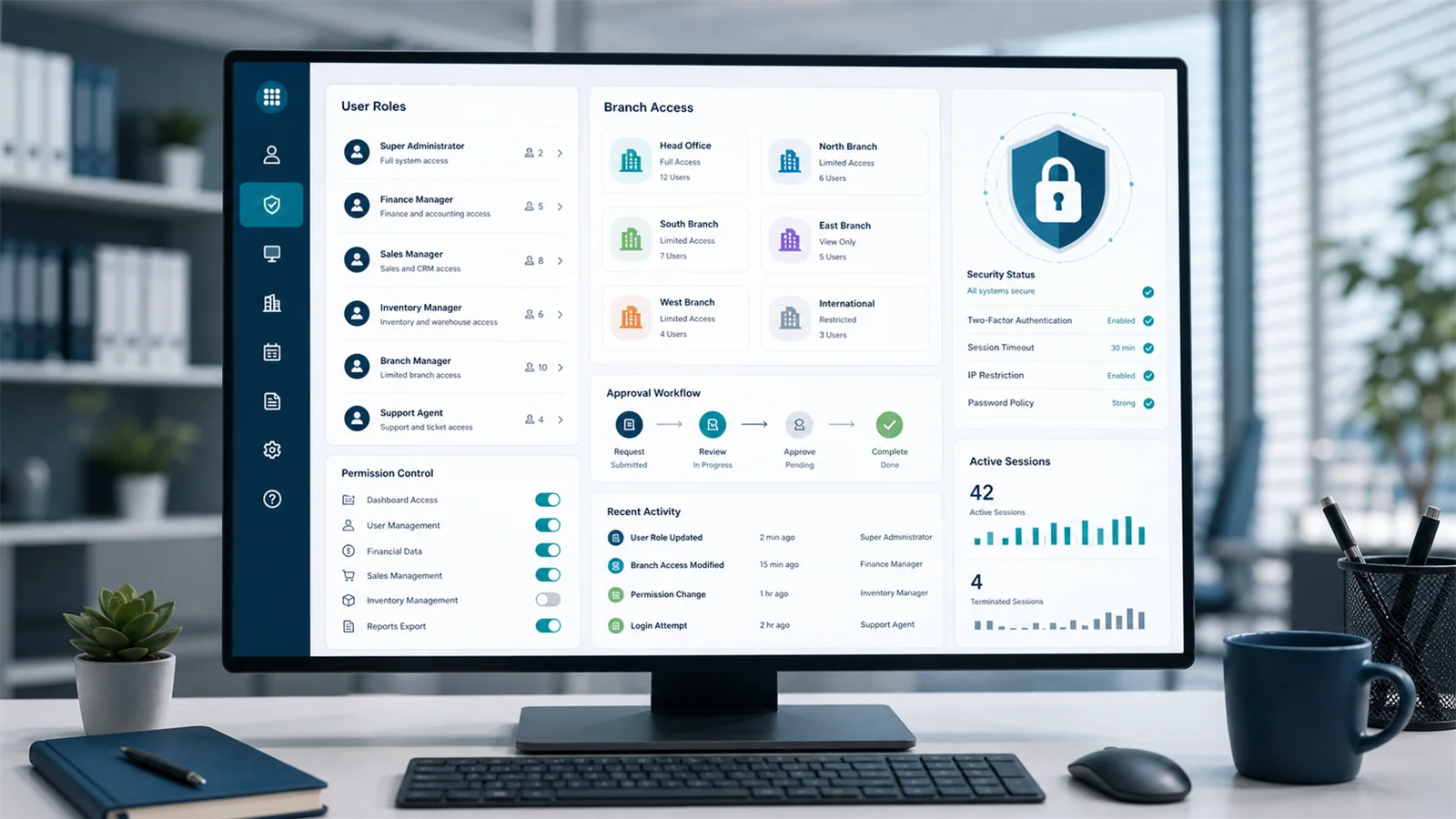
Security & Access Control
Control access to business records and actions through users, roles, and permissions.
Need a Demo?
Contact BayziBook